The pee you registered with the uroflowmeter didn't arrive in the app (no "yellow pee" in the timeline)?
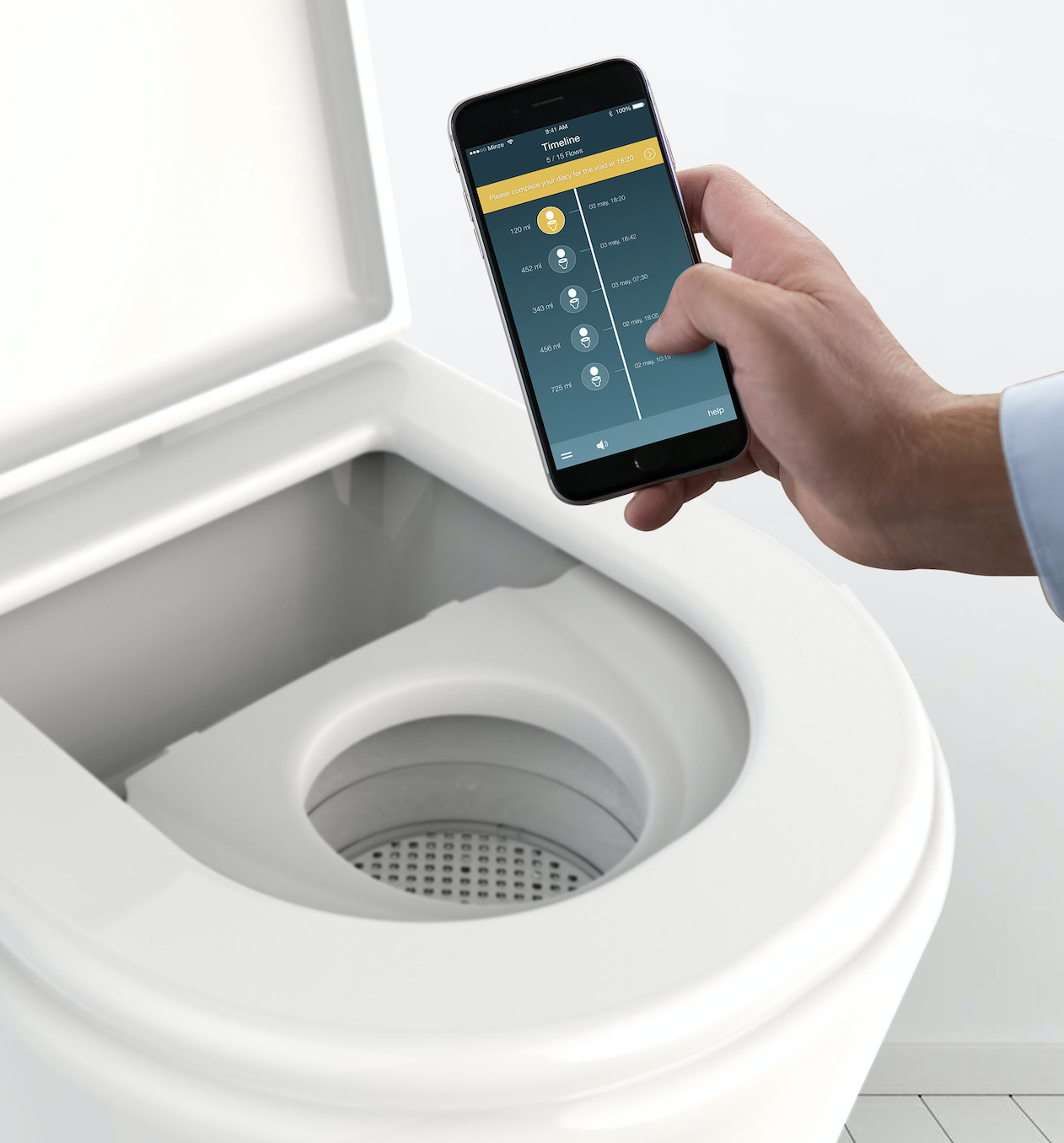
Do the following:
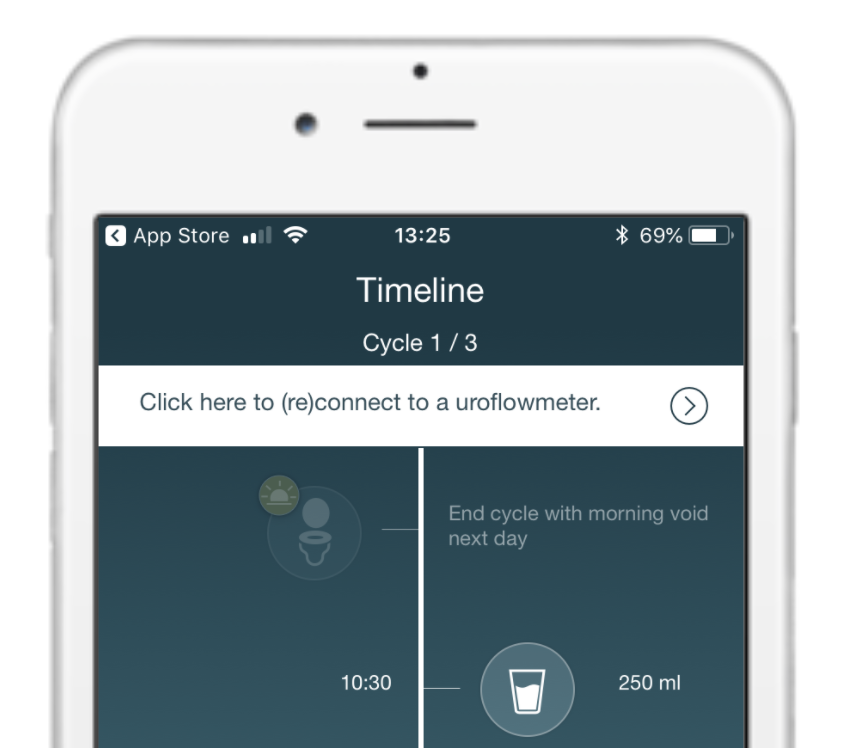
1. Check if the app and uroflowmeter are connected. If you have a connection problem, click here for instructions.
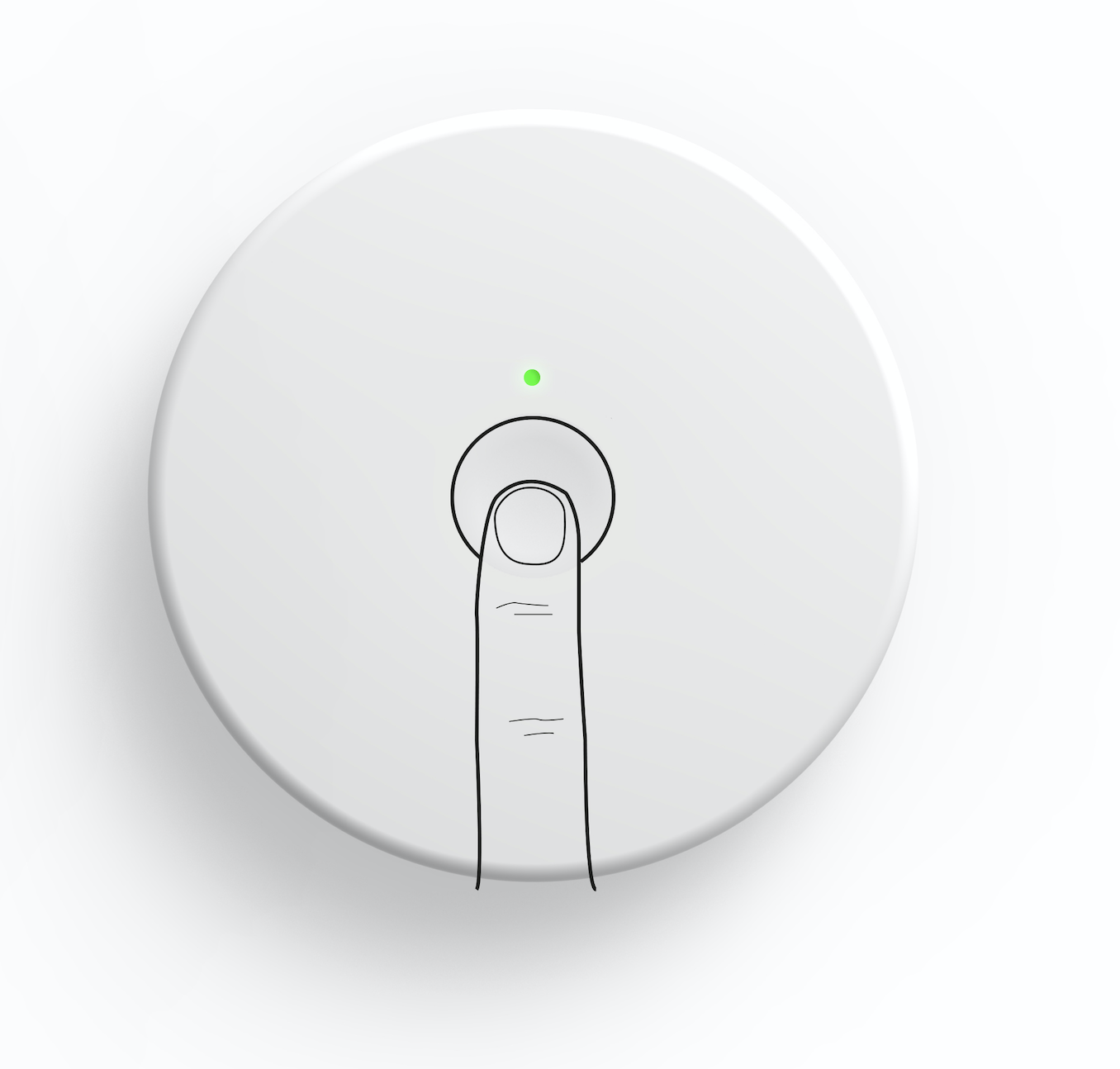
2. In case of no connection problem, are you sure you have turned on the uroflowmeter before peeing? Don't forget to always press the button to turn on the uroflowmeter before peeing.
3. If the uroflowmeter was turned on, are you sure you made the assembly correctly?
|
Sitting |
Standing |
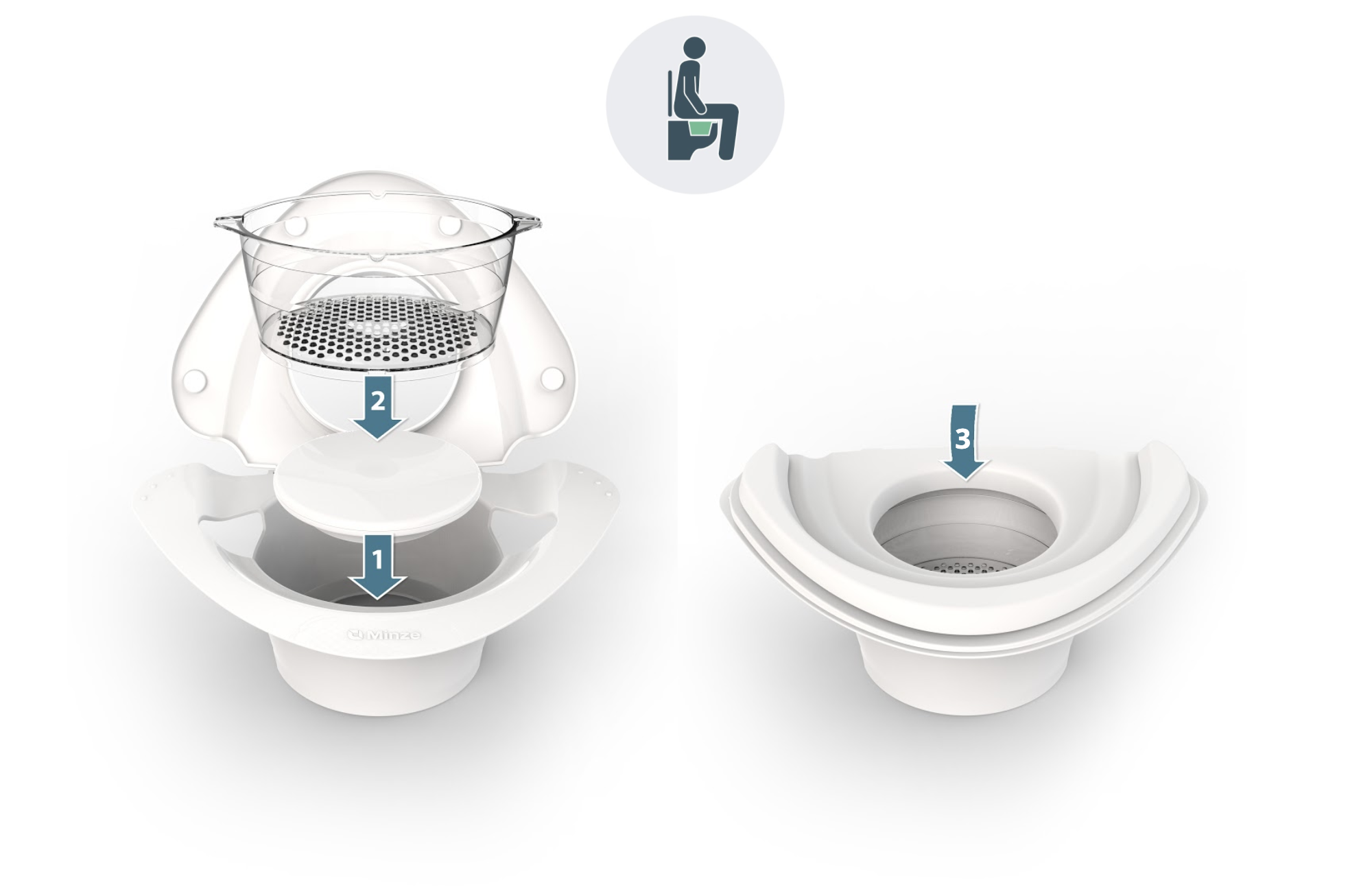
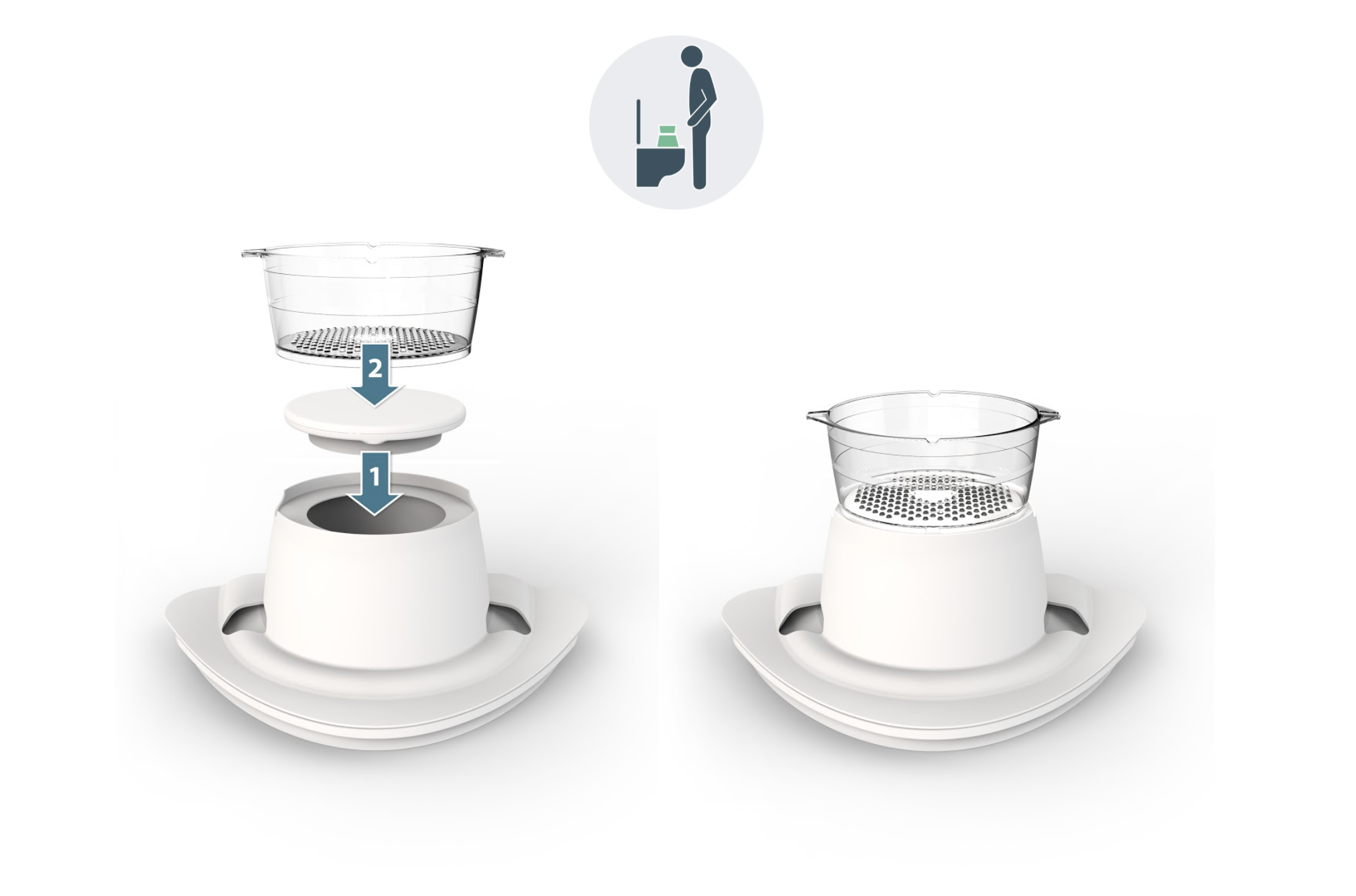
Make sure that the cup is correctly placed on the uroflowmeter!
|
Sitting |
Standing |
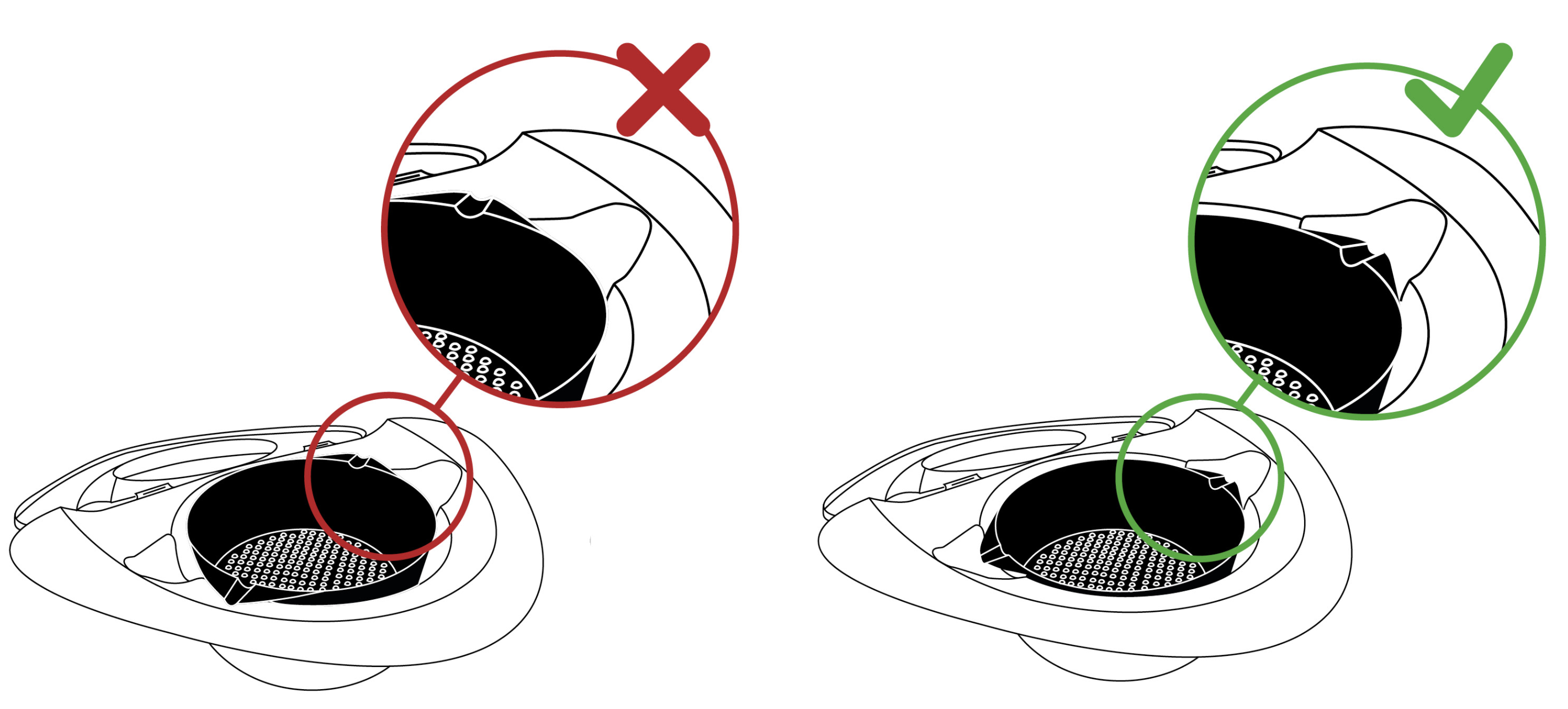
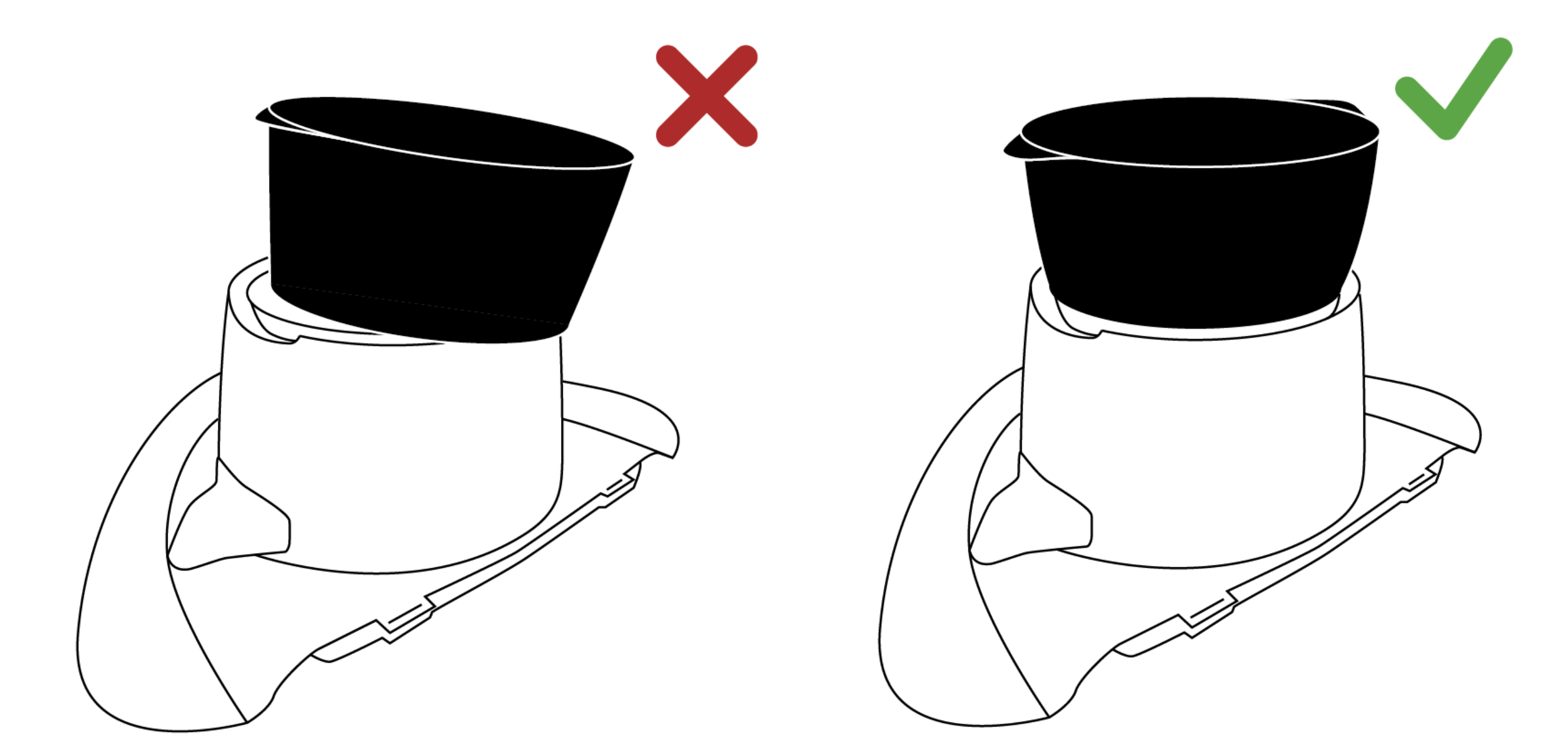
Make sure you place the assembly correctly on the toilet!
|
Sitting |
Standing |
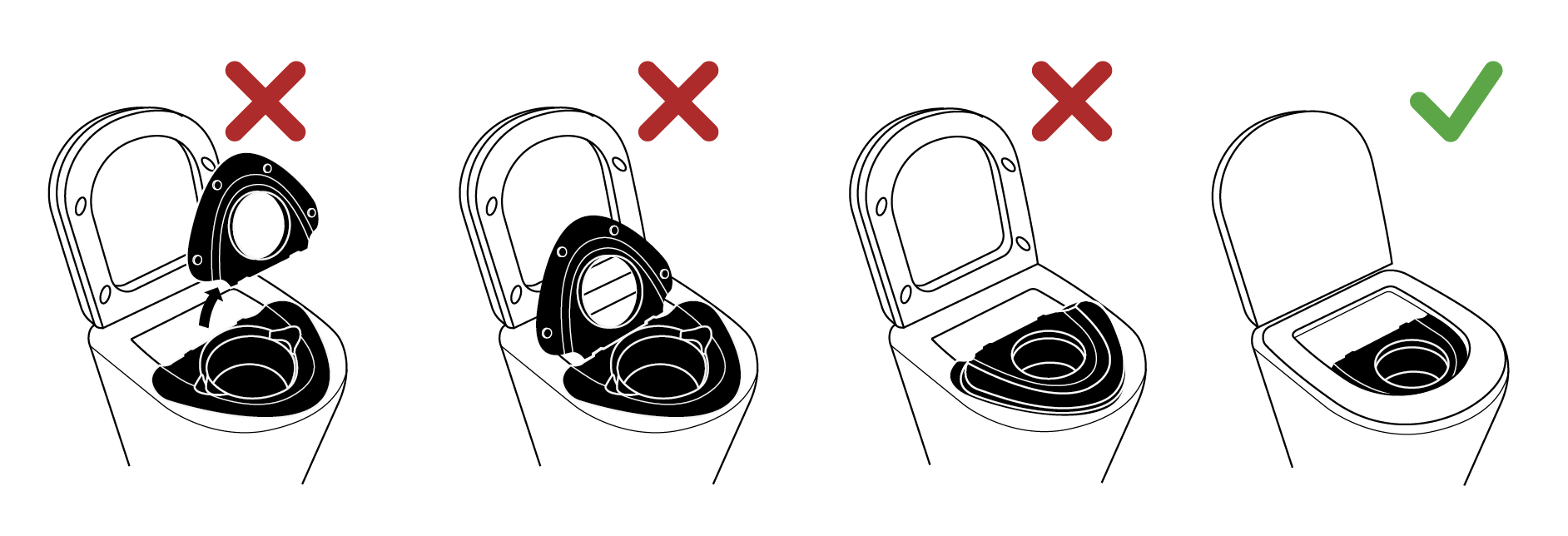
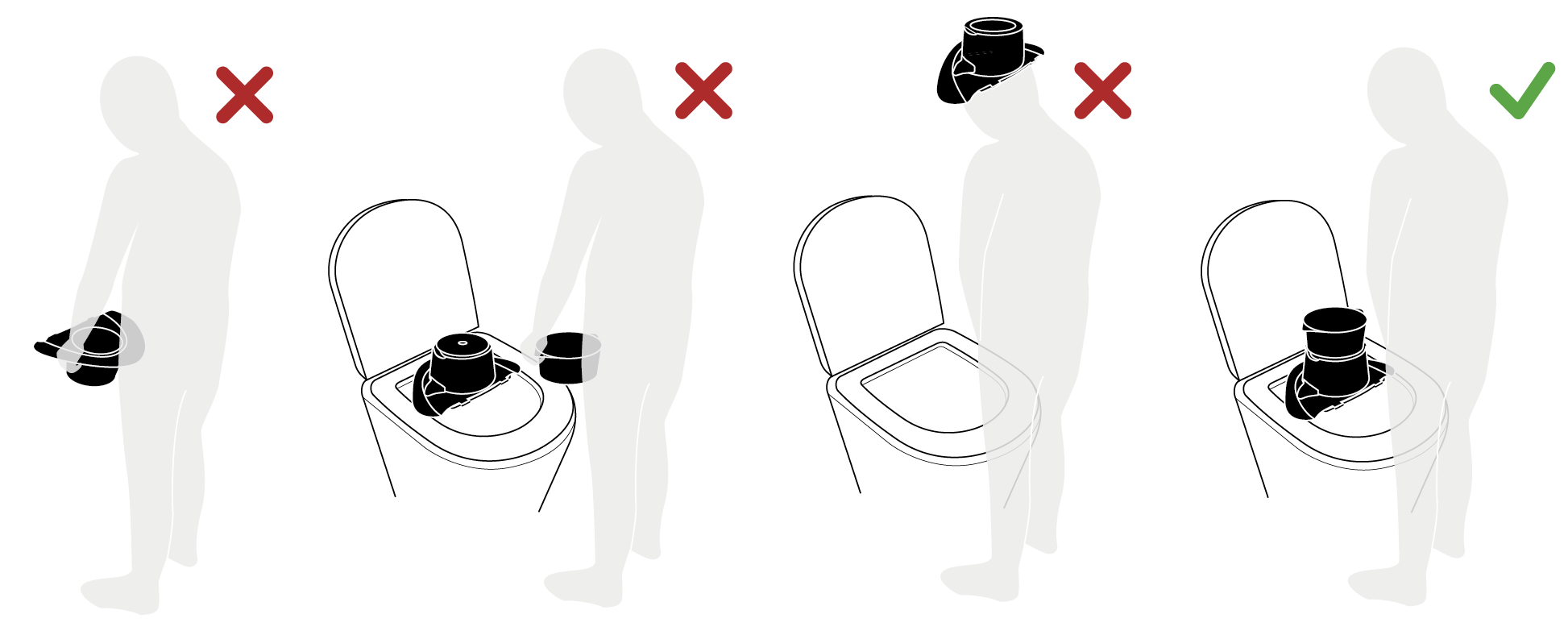
In case the uroflowmeter was not turned on or the assembly was made incorrectly, your pee has not been registered. Make sure you do this correctly for the next pee!
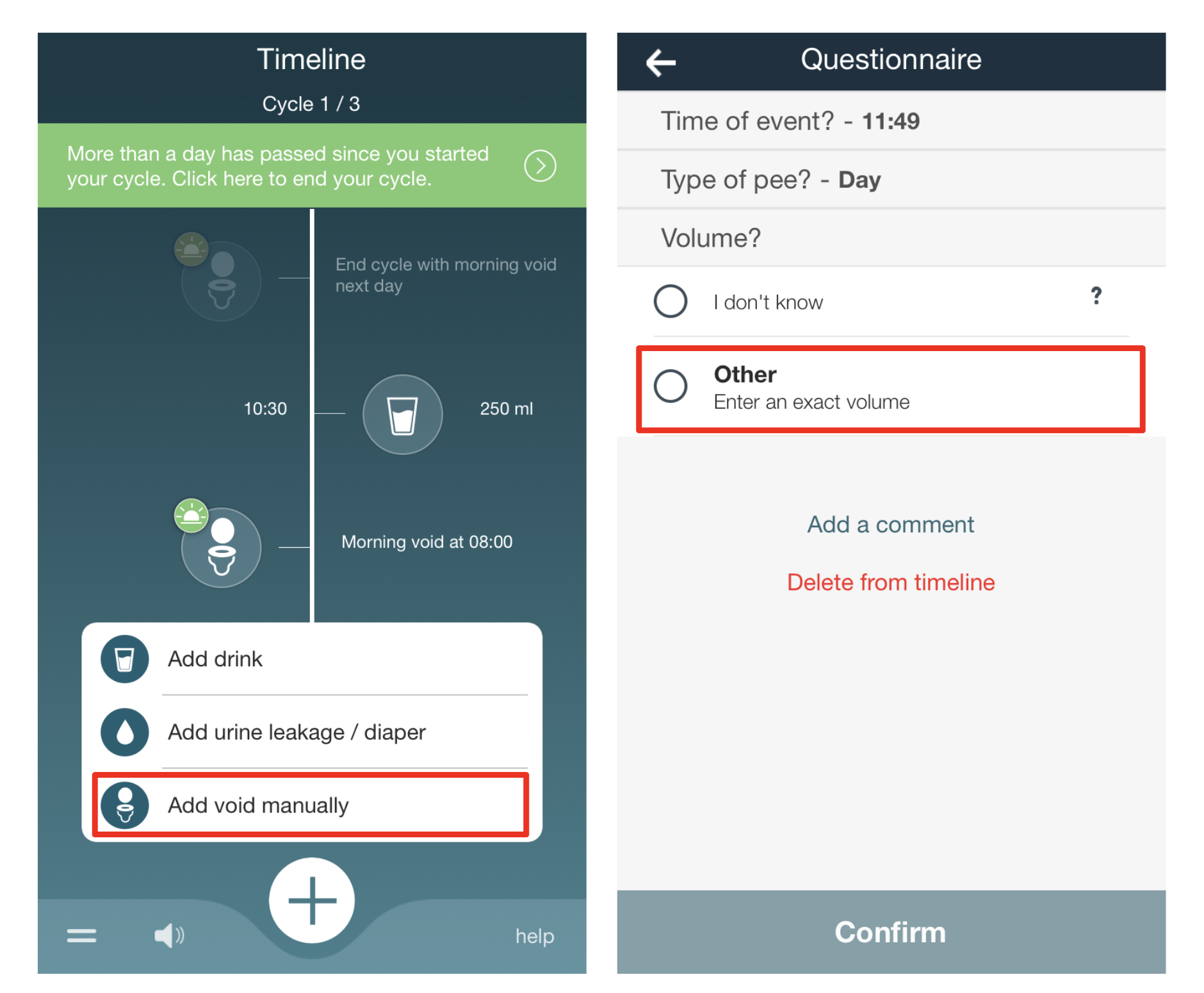
For patients who keep a bladder diary with Homeflow, don't forget to add the pee manually in the app. You can also enter the volume manually, in case you haven't emptied the cup yet.