Do you have connection problems in the app? You don't see the uroflowmeter appearing in the list of devices to connect to?
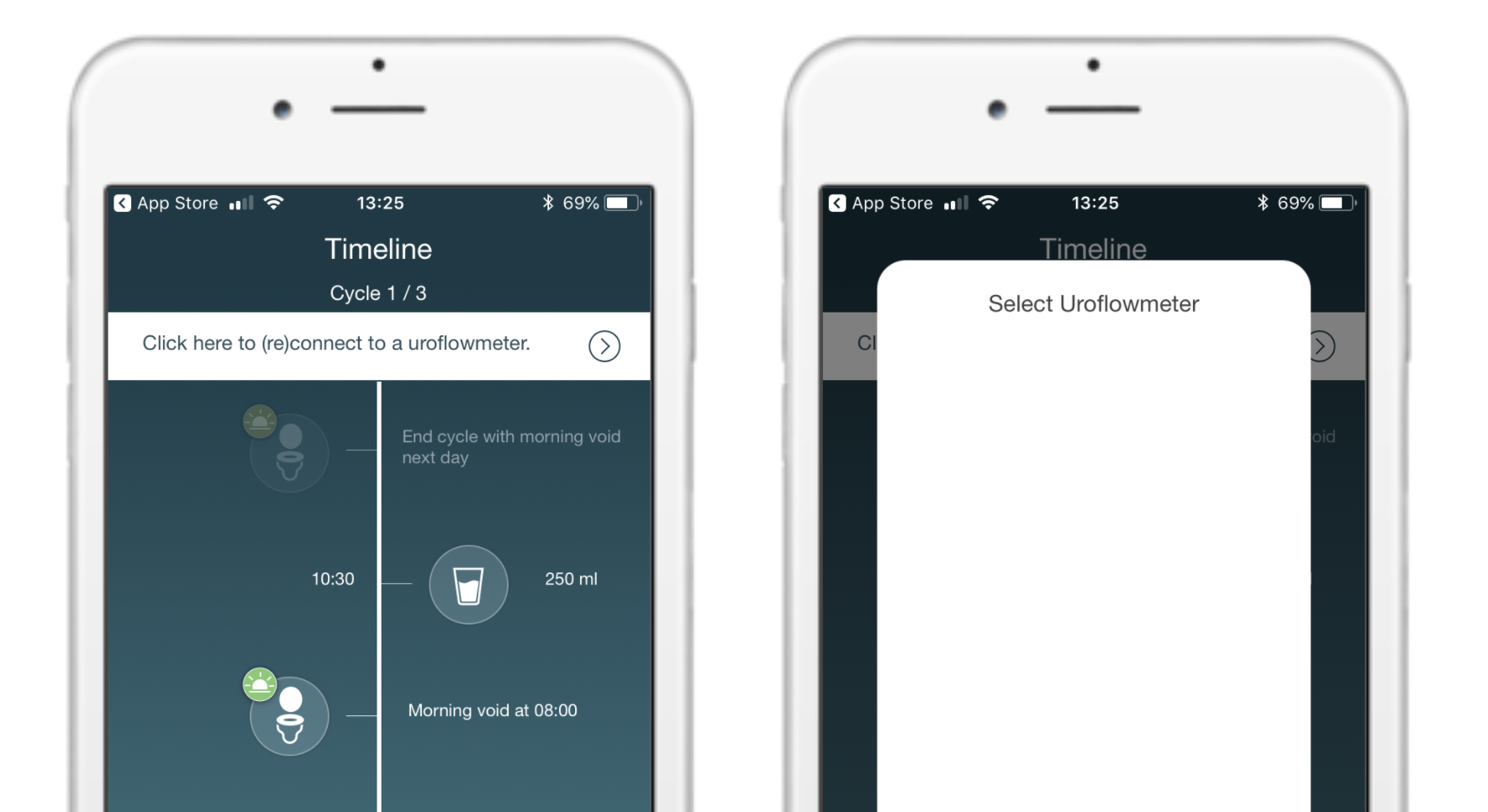
Do the following:
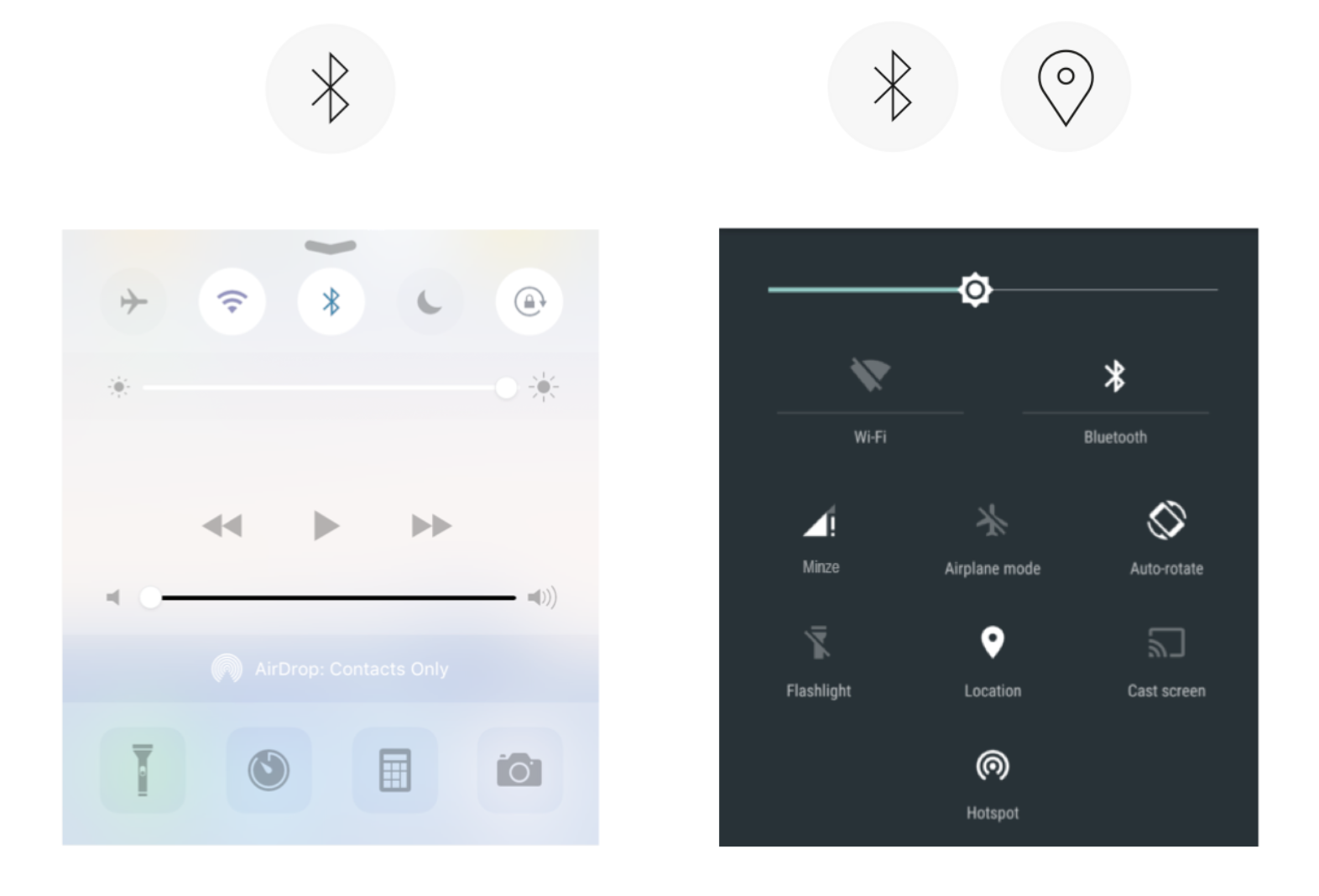
1. Switch Bluetooth (and Location in case of Android devices) off and on again.
2. Force close the app and open it again.
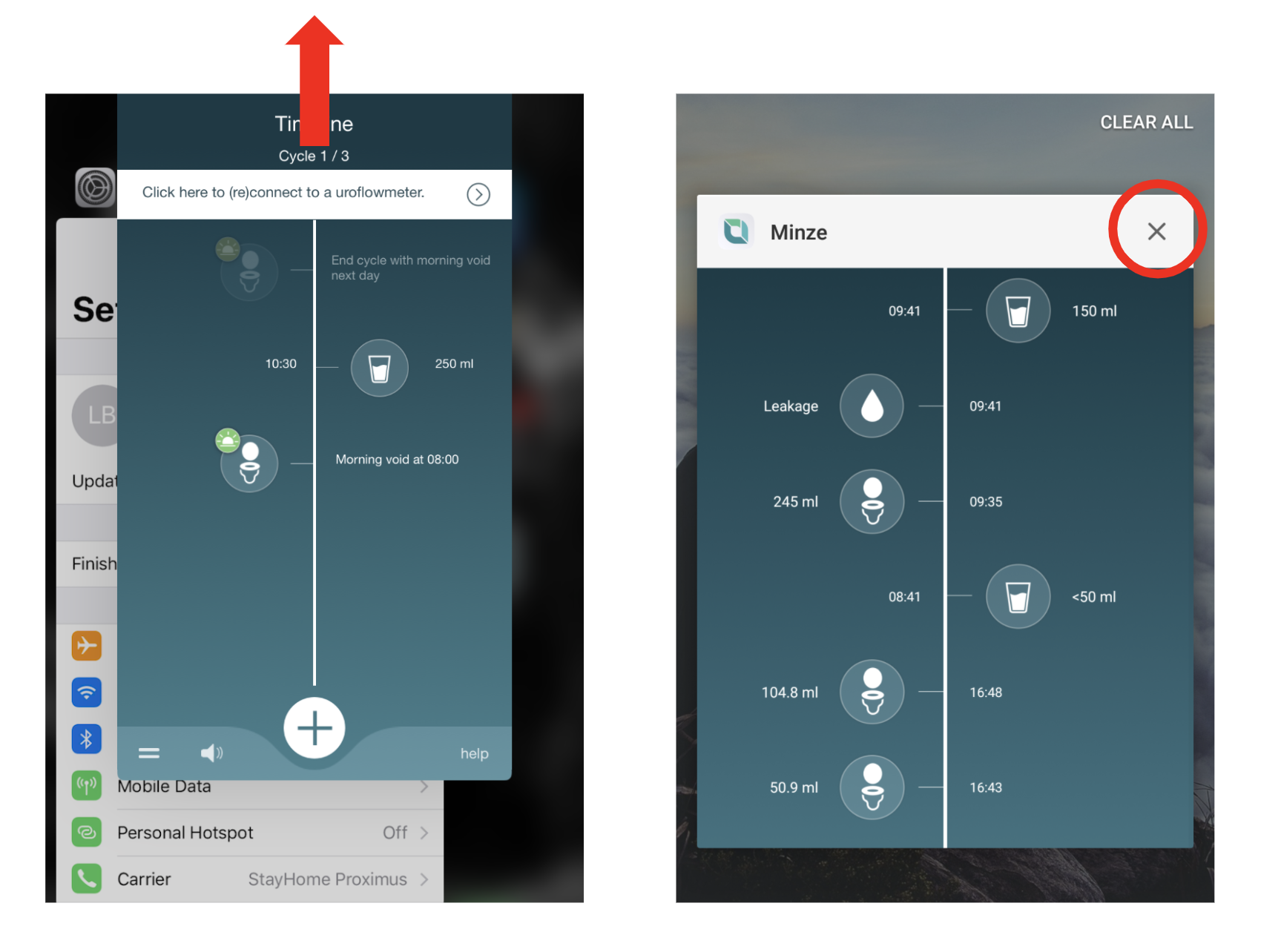
If you don't know how to force close the app, you can also just turn the smartphone off and on again.
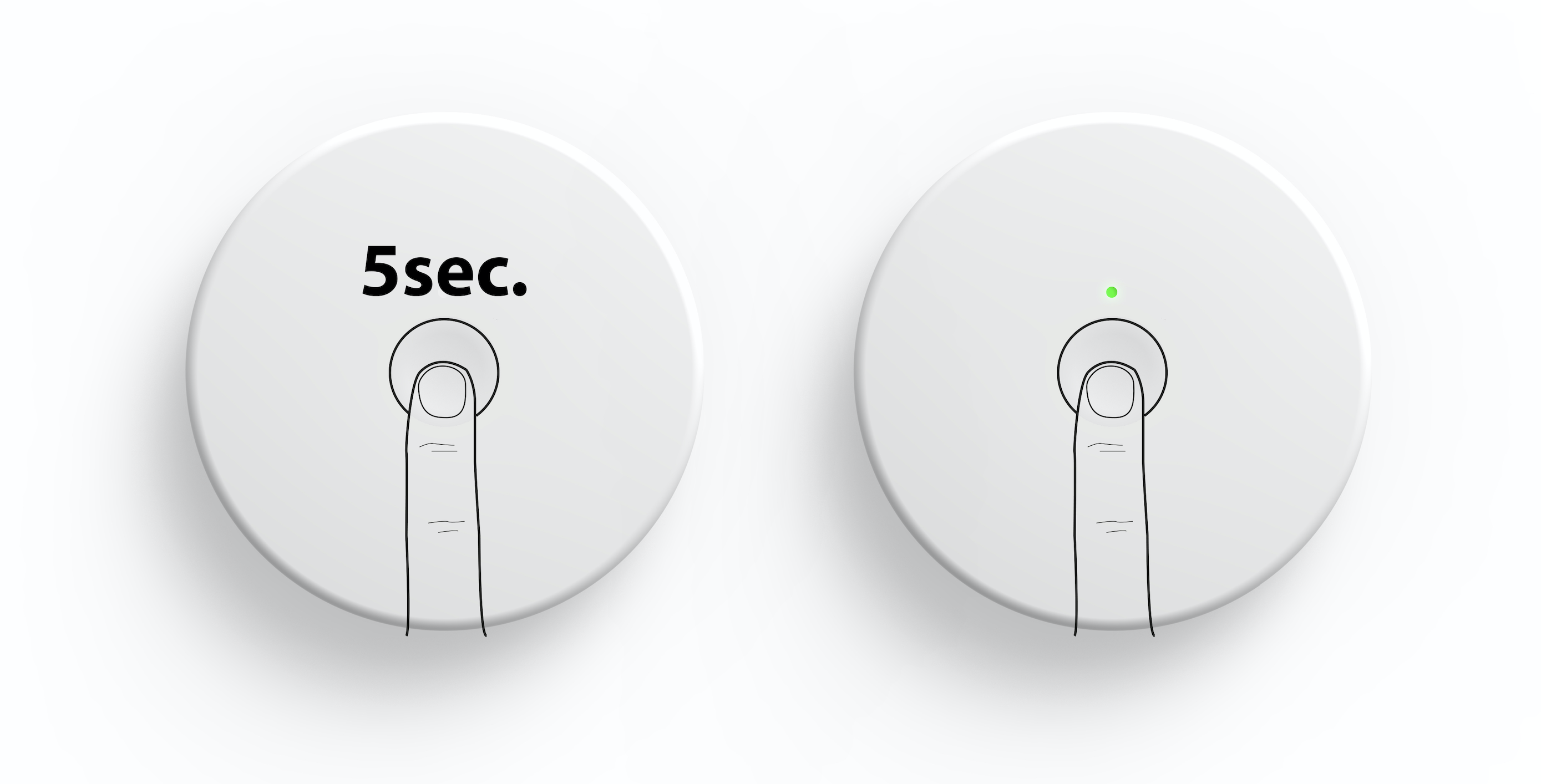
3. Turn off the uroflowmeter (press the button for 5s, the light will go out) and on again (press the button shortly once, the light will go on).
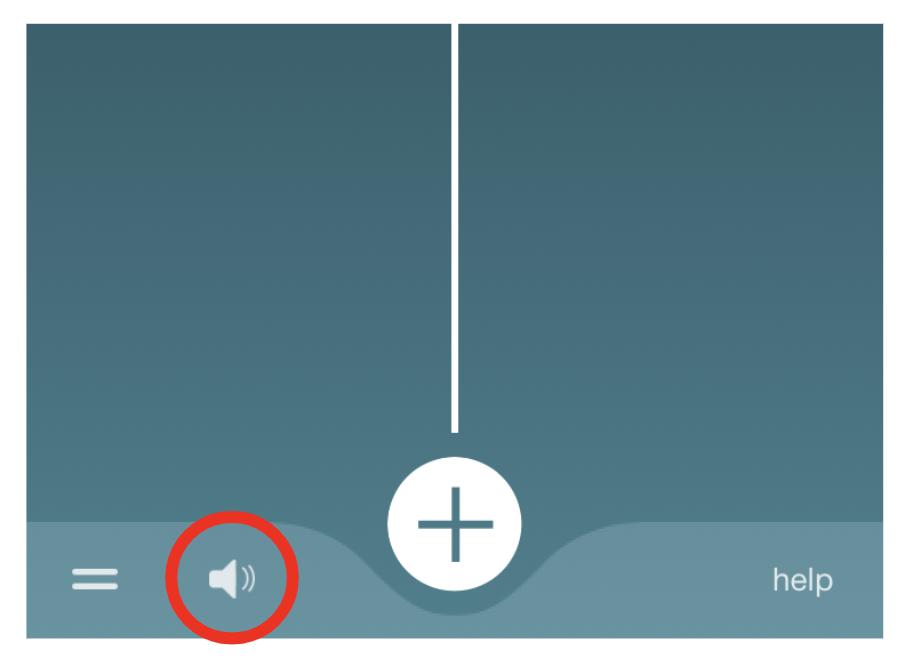
4. Check your connection by clicking on the "speaker" in the app. If you hear the uroflowmeter beep, there is a connection established between the app and the uroflowmeter!